Share drum exercises with your students
Create drum exercises in GrooveDojo, organize them into folders or practice plans, and share them with your students as a link or a PDF.
They open it in their browser and play along with the click and the notation. It’s free, and neither you nor your students need an account.
How it works
- Create Write an exercise on the grid and see it as drum notation, or import one you already have.
- Organize Put exercises in a folder, or in a practice plan with a tempo and a duration for each.
- Share Send a link, a file or a PDF. The exercises are included in the link.
Your students open what you sent, choose whether to save their own copy, and practice it (what they get).
What your students get
- Preview before saving. They see what you sent first, and nothing is saved until they choose to keep a copy in their own library.
- Practice with any setup. On an acoustic kit or a practice pad, they play along with the click and the notation, and their practice time is tracked (drum practice).
- Timing feedback with an electronic kit. With a kit connected by USB, in a browser that supports MIDI, they see whether each hit was early or late. In Safari, and on iPhone and iPad, they still play along with the click and the notation, just without timing feedback (what has been tested).
- Follow a practice plan. A plan plays one step after another, each with its own tempo and duration (practice plans).

Their library lives in their browser, so suggest they back it up now and then.
Writing and importing
Each exercise you write in the groove editor is saved as a groove in My grooves, with its notation drawn as you write. Already have the material? Import a MusicXML score, a MIDI file or a Groove Scribe link, or read a line of printed drum notation from a photo or a PDF and check each bar against the original. Each import becomes a groove you can change. Copy to My grooves turns any built-in exercise into one too.
Folders can hold folders, so you can keep one for each student, style or week. Practice plans put exercises in order, with a rest between them, so a lesson’s homework becomes a routine your student can follow.
Ways to share
- A groove: a link that opens it, ready to play and save to their library.
- A folder: one link with every groove in it.
- A practice plan: a link or a plan file, with every groove the plan uses. Add your name under Shared by if you like.
- Print or PDF: print a single groove, a whole folder, or a plan with a practice log to fill in and a QR code that opens it on a phone or tablet. Each can be saved as a PDF too.
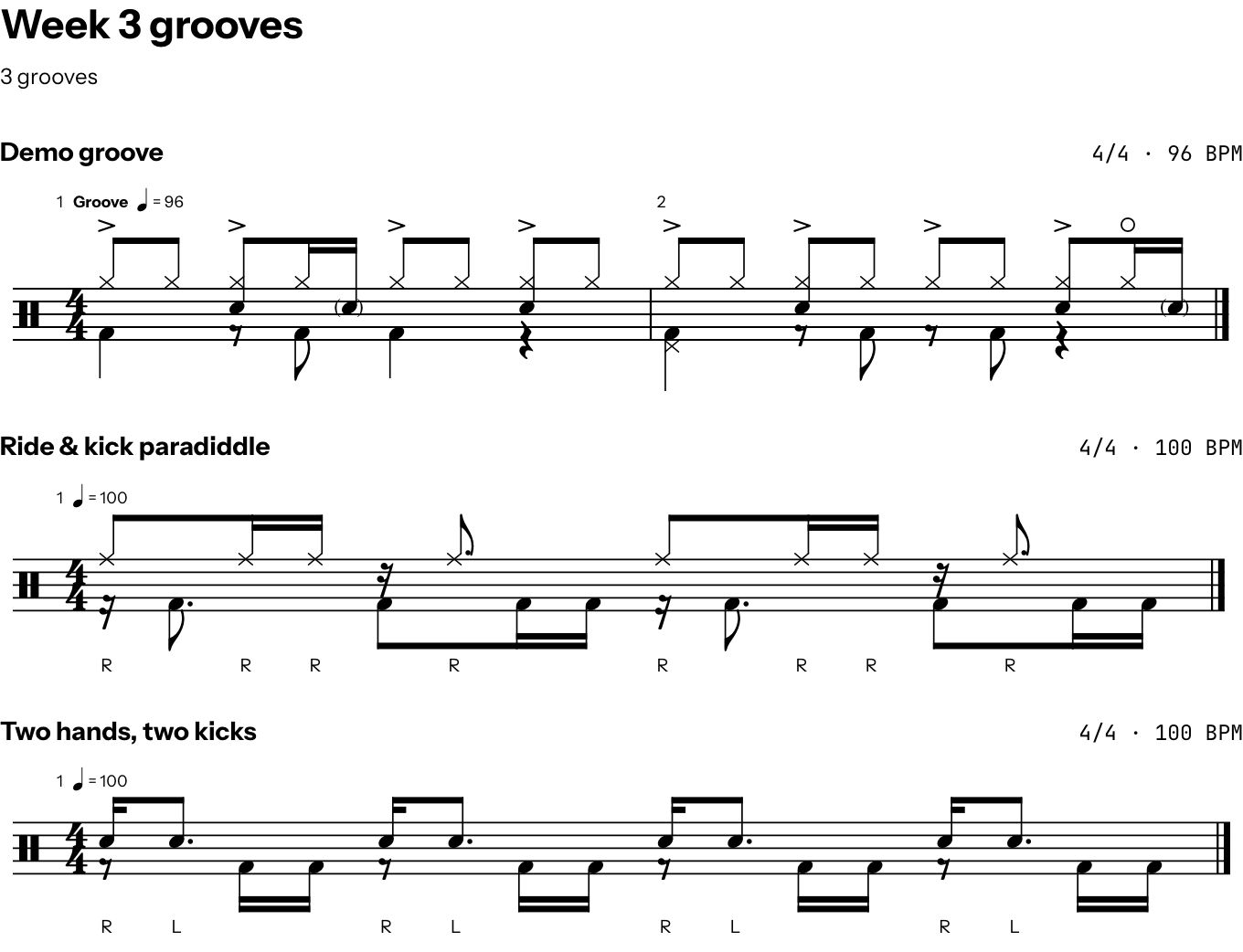
What you share is inside the link, after the “#”, so it isn’t uploaded anywhere. Anyone with the link can open it, so send it only to the people it’s meant for. A very long plan or folder can go as a file instead.
Good to know
- Nothing comes back to you. Your students’ practice and results stay in their own browser, and there are no assignments to mark. To talk about their practice, they can bring the printed log or show you their session’s review in the lesson.
- No classes or student accounts. There’s no list of students and nothing to manage.
- No curriculum. The built-in exercises are a small starting set, not a course. What to teach, and in which order, is yours to decide.
- A copy, not a connection. A student’s saved plan or folder is their own copy. If you change yours, send a new link.
- Your material, your responsibility. The Terms let you use GrooveDojo in lessons you teach. A part transcribed from a recording, or an exercise from a published book, may need its author’s permission (your content).
For video lessons and channels
The same links work in a video’s description or a post. Anyone who opens one gets the groove with its notation, can hear it at any tempo, play along and save it.